 WDC Pos
 Sales Hub
 Product Hub
 Inventory Management
 Whatsapp Marketing
 Marketing Automation
 Browser Notification
 Email Marketing
 Fusion Mail
 SMS Marketing
 Fusion SMS
Drag and Drop File Upload: Why Simpler Uploads Reduce Operational Friction
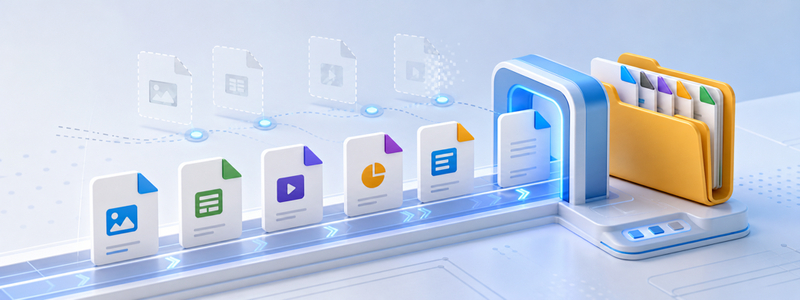
Drag and drop file upload makes asset handoff easier for marketing, design, content, and web teams that publish files often.
drag and drop file upload gives marketing, web, and operations teams a faster way to store, organize, and deliver files without turning every upload into a technical chore. Instead of treating file transfer as a back-office task, teams can use a browser-friendly storage layer for campaign assets, website media, client files, product images, documents, and other digital materials that need to move quickly from creation to publication.
Why this topic matters now
Modern teams create more files than ever: hero images, downloadable PDFs, product galleries, video snippets, social media assets, landing page media, proposal documents, and localized content packs. The problem is rarely that a team has no place to put files. The real issue is that files become scattered across inboxes, chat threads, personal drives, temporary transfer links, and old server folders. When that happens, publishing slows down, approvals become harder to trace, and the same file may be uploaded several times under slightly different names.
For a service like Fast FTP, the strongest value is operational clarity. A team can upload files with a simpler workflow, organize them inside folders, and serve assets through a fast delivery layer. That matters for agencies that manage many clients, businesses with frequent campaign launches, e-commerce teams with changing product media, and website owners who want a cleaner path from asset creation to live use.
Drag and drop upload sounds small until a team repeats the same upload action every day. A simpler upload path reduces hesitation for non-technical users and makes file management feel like part of the normal publishing workflow rather than a separate technical request.
This matters for teams where designers, marketers, and content editors all touch the same asset pipeline. When uploading is easy, fewer files get trapped on local desktops, and the shared library becomes more complete.

What Fast FTP helps teams do
The practical benefit is not only speed. It is the ability to reduce friction around repeated file tasks. A good file delivery workflow lets teams upload assets, group them by project, keep folders understandable, and make materials available when another person needs to publish, review, or reuse them. In that sense, Fast FTP service works best as part of a broader content operations system: fewer ad hoc transfers, fewer missing files, and fewer questions about where the final version lives.
- Upload website and campaign files through a simpler interface.
- Keep digital assets grouped by project, client, product line, or campaign.
- Use CDN-supported delivery so important assets are easier to access quickly.
- Build repeatable folder habits instead of relying on one person's memory.
- Make handoff between design, marketing, development, and content teams smoother.
How to think about implementation
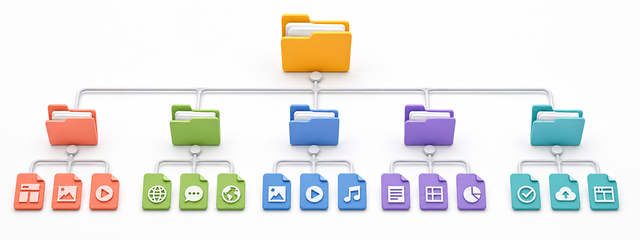
Before moving files into any system, define the structure people will actually follow. A clean folder strategy usually starts with business context: client, brand, product, campaign, language, and date. Then it adds asset type: images, documents, exports, banners, product files, or landing page resources. The goal is not to create a complicated archive. The goal is to make the next upload, update, or retrieval obvious.
Teams should also agree on naming conventions. A filename that includes a campaign name, usage context, language, and version is easier to reuse than a vague name such as “final-new-2”. When files are used on websites or campaigns, naming discipline helps editors understand what an asset is, where it belongs, and whether it is still current. This becomes especially important when the same team publishes across multiple markets or languages.
Best use cases
Fast FTP is useful for teams that publish often, manage many files, or coordinate across roles. Agencies can separate client folders. E-commerce teams can manage product images and catalog files. Marketing teams can store landing page assets and campaign downloads. Web teams can keep media resources in a more predictable structure. The common thread is simple: when files move faster and are easier to locate, the whole publishing workflow becomes calmer.
Bottom line
drag and drop file upload is most valuable when it is treated as an operational layer, not just a place to drop files. Used well, it helps teams reduce upload friction, improve asset organization, support faster delivery, and keep website or campaign workflows ready for repeat use.