 POS for Retail
 Sales Hub
 Product Hub
 Inventory Management
 Whatsapp Marketing
 Marketing Automation
 Browser Notification
 Email Marketing
 Fusion Mail
 SMS Marketing
 Fusion SMS
 Banner Manager
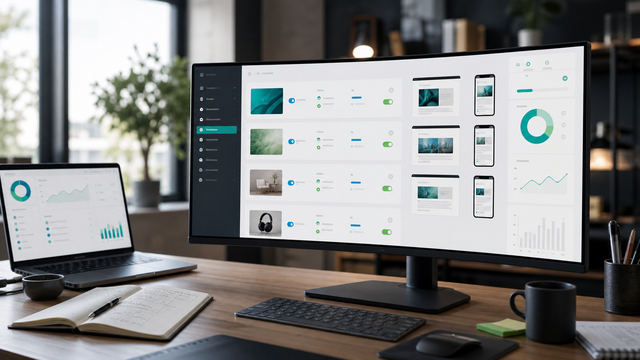
Control every website banner from one operational dashboard
Plan, publish, target, test, and measure website banners without turning each campaign into a development task.
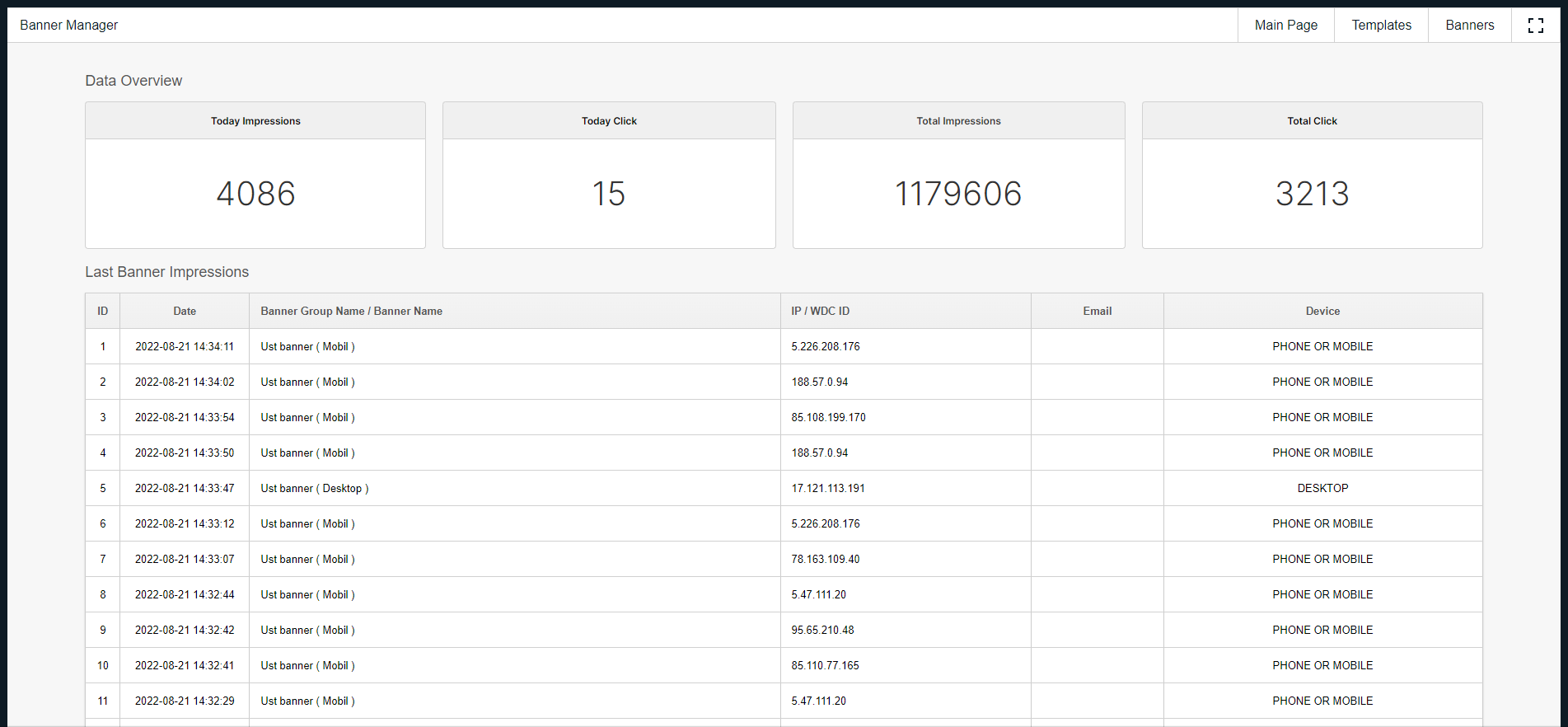
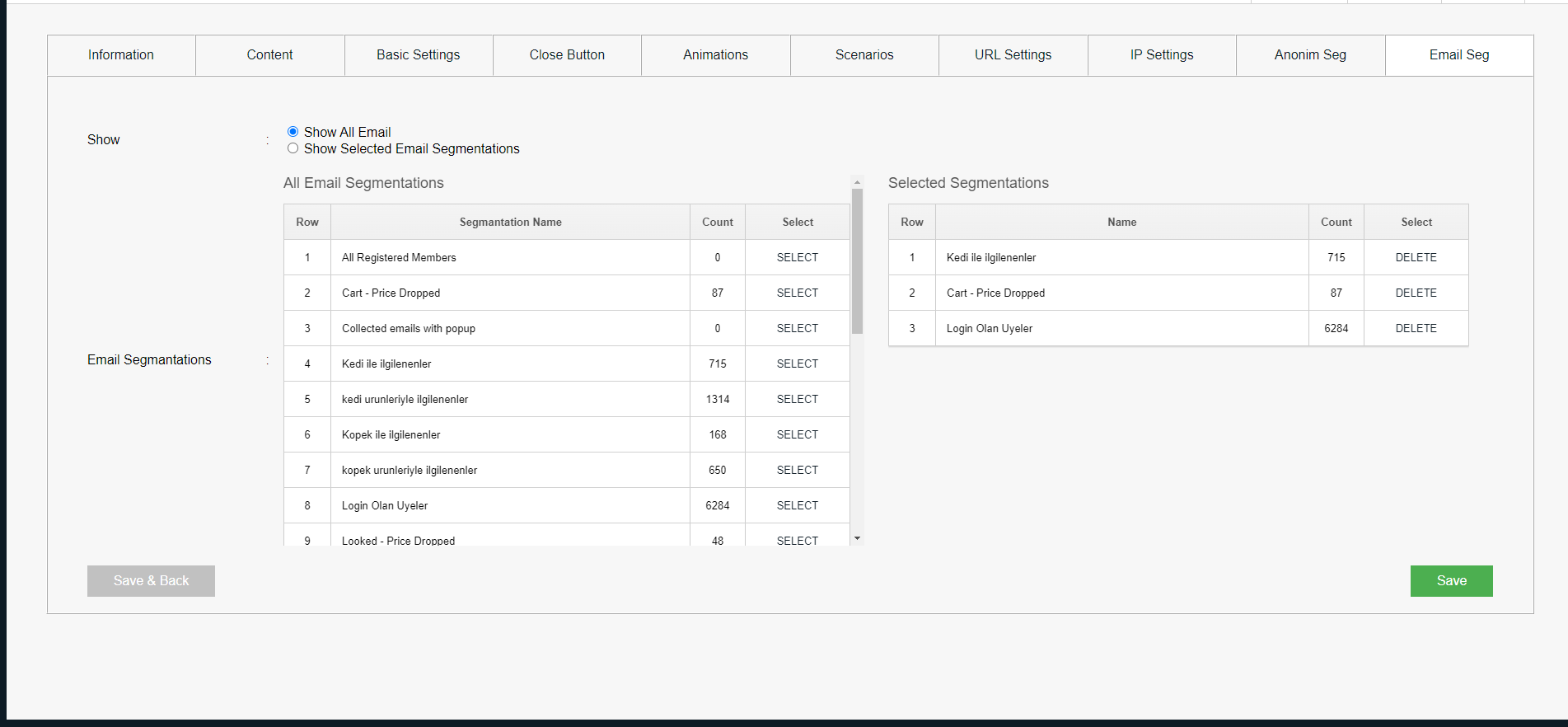
Run banners with the same control you expect from campaigns
Templates, placement rules, audience targeting, A/B tests, and performance reports stay in one workspace.
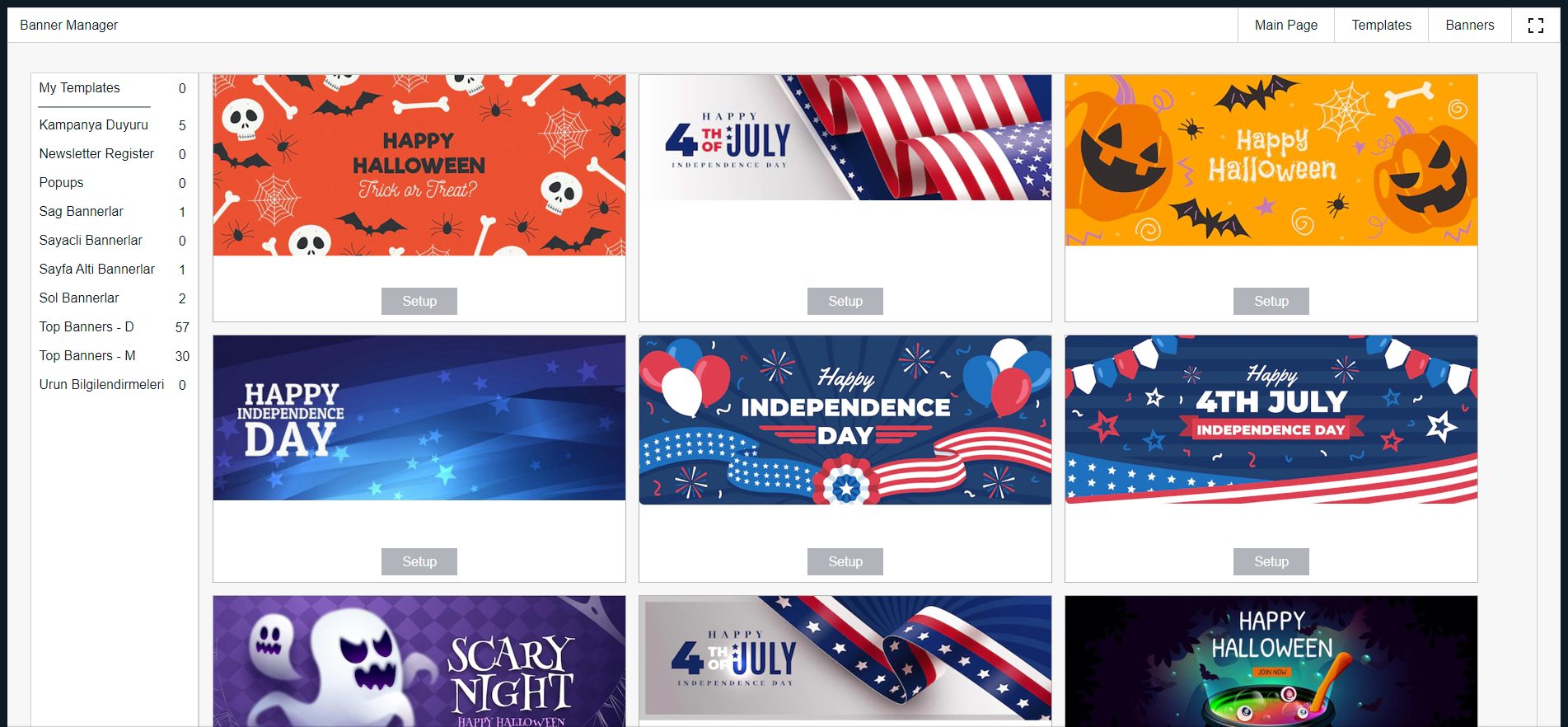
Ready-made banner templates
Choose a prepared format, adapt the message, and publish without waiting for a new design cycle.
Multiple banner formats
Manage pop-ups, video banners, product showcases, and campaign banners from the same control area.
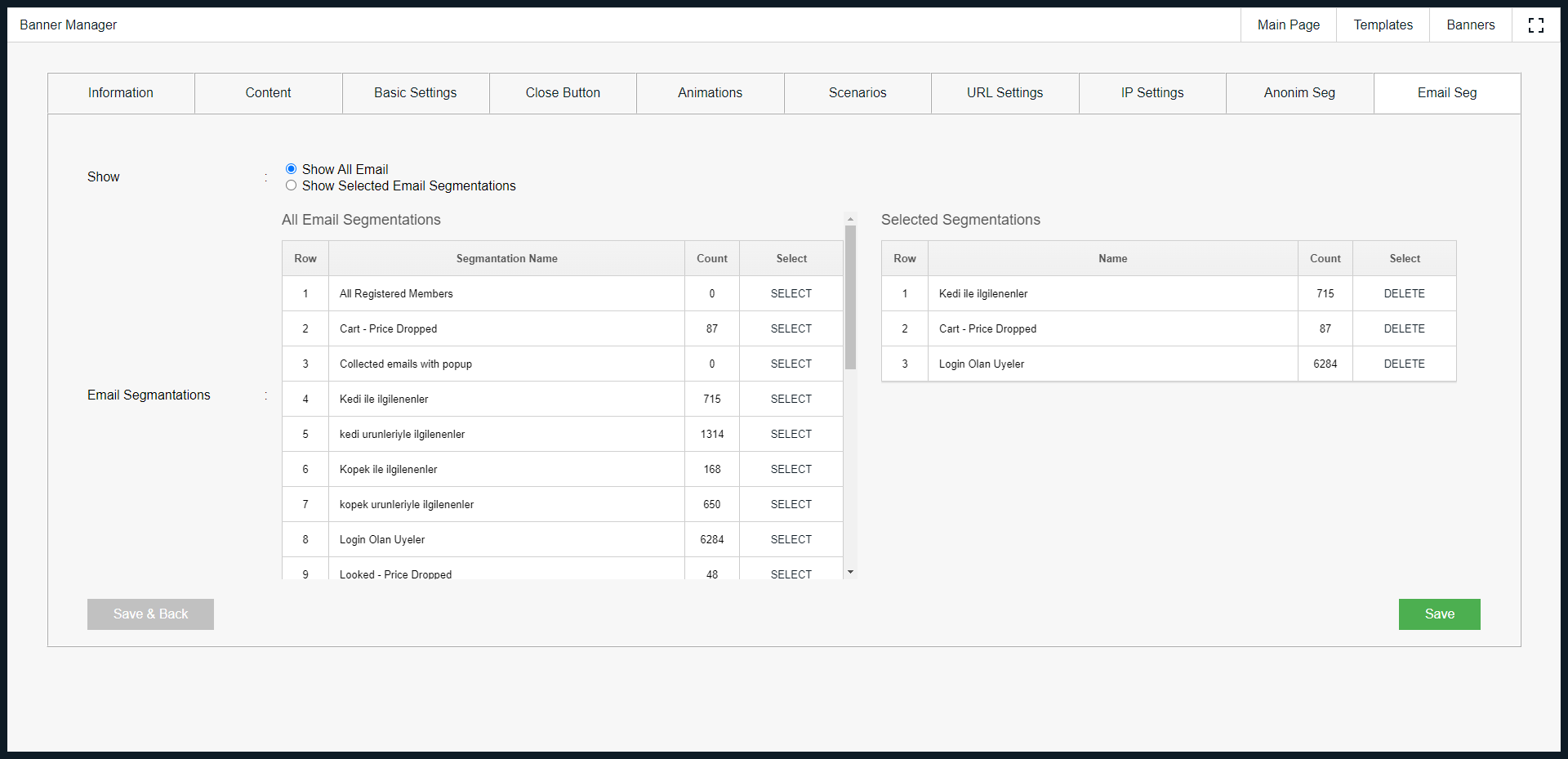
Segment-based targeting
Show banners to selected visitor groups, pages, devices, or campaign audiences.
Interest-based personalization
Use visitor behavior and interest signals to decide which banner should appear next.
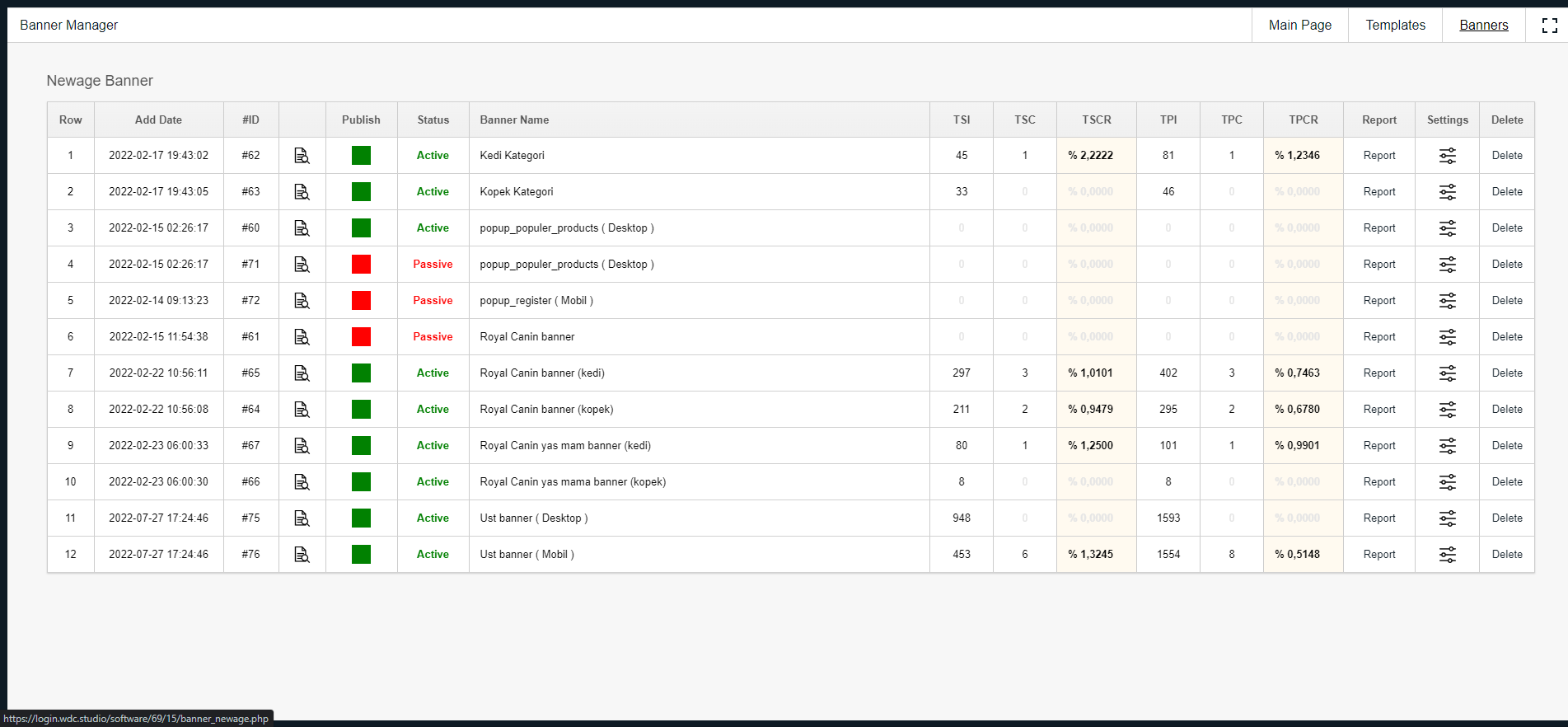
Impression and click reports
Track impressions, clicks, standard versus AI banners, device split, and campaign movement over time.
Lightweight installation
Add Banner Manager to your website with a small setup step, then manage campaigns from WDC.
Use visitor signals without giving up campaign control
Banner Manager can use behavior and interest data to recommend which banner should appear, while your team still controls placements, rules, creatives, and reporting.
WDC Banner Manager gives your team one place to manage website banners, campaign placements, targeting rules, and performance reports.
Use it to prepare seasonal promotions, product messages, announcement banners, personalized offers, or page-specific creatives without rebuilding your website each time.
The platform supports A/B testing, custom HTML banners, image banners, and performance comparison, so your team can see which message earns attention before expanding it.
It is built for companies that need banner operations to be faster, more measurable, and less dependent on one-off development work.
-
CTRL
Centralized dashboard Manage banner content, placements, and campaign rules from one panel.
-
RULE
Targeting rules Use visitor behavior, page context, device, and campaign audience logic.
-
TEST
A/B testing Compare banner variations before committing to a wider campaign.
-
DATA
Performance analytics Review impressions, clicks, AI versus standard banners, and device-level results.
Track every metric that matters
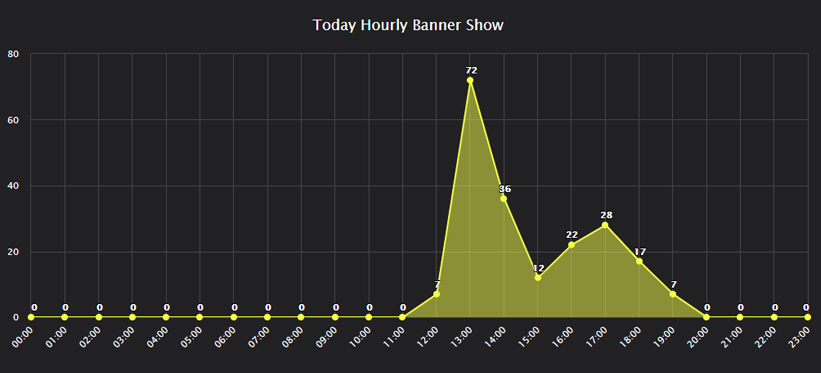
24 real-time dashboard widgets give you a live view of impressions, clicks, AI vs. standard banners, device breakdown, and historical trends.
24 gadgets included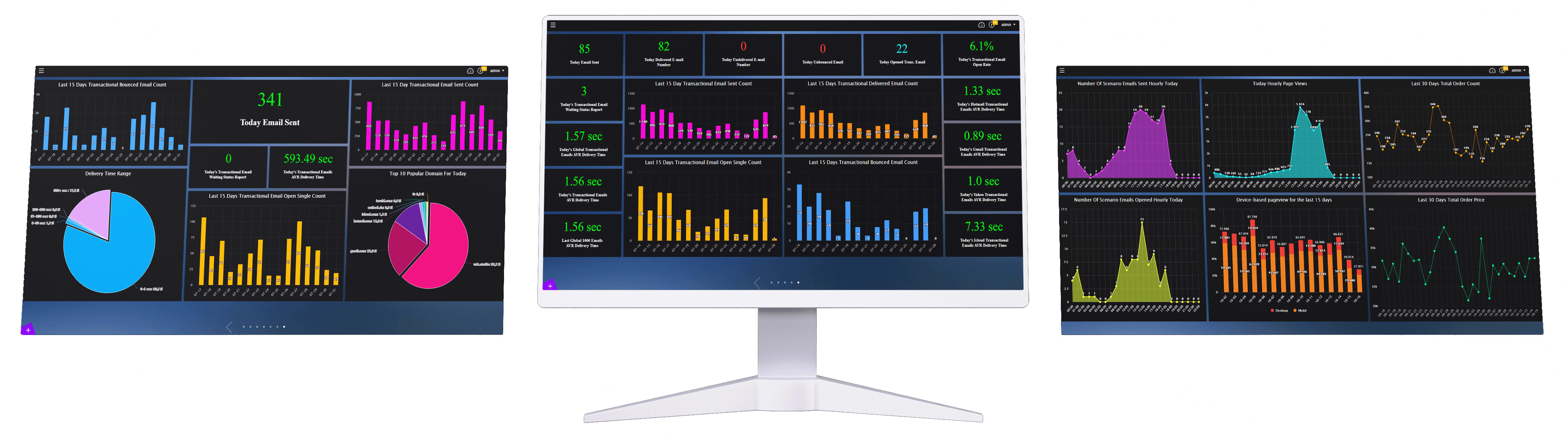


Frequently Asked Questions
Everything you need to know.
What is WDC Banner Manager?+
WDC Banner Manager is a centralized platform that helps businesses manage website banners, personalize content with AI, and improve visitor engagement from one dashboard.
What can I do with Banner Manager?+
You can create, manage, target, test, and analyze banners such as pop-ups, video banners, product showcases, and image-based campaign visuals.
Does Banner Manager support AI personalization?+
Yes. Banner Manager analyzes visitor interests in real time and automatically displays the most relevant banner for each visitor.
Can AI personalization increase banner click rates?+
Yes. AI-powered banner personalization can help increase click-through rates by showing more relevant content to each visitor.
Can I manage all website banners from one dashboard?+
Yes. Banner Manager provides a centralized dashboard where you can control all website banners from a single place.
Does Banner Manager require developer support?+
No. Banner Manager can be integrated with a one-line setup and allows marketing teams to update banners without ongoing developer involvement.
How does one-line integration work?+
You add one line of code to your website once. After that, banners can be managed and updated directly from the Banner Manager dashboard.
Can I use ready-made banner templates?+
Yes. Banner Manager includes hundreds of professionally designed templates that can be activated quickly without design work.
Which banner formats are supported?+
Banner Manager supports pop-ups, video banners, product showcase templates, custom HTML banners, and image-based JPG or PNG banners.
Can I create pop-up banners?+
Yes. You can create pop-up banners to capture visitor attention during specific moments of the customer journey.
Can I create video banners?+
Yes. Banner Manager supports video banners for more engaging and dynamic campaign experiences.
Can I create product showcase banners?+
Yes. Product showcase templates help promote selected products, categories, campaigns, or offers directly on your website.
Can I target banners by visitor segment?+
Yes. Banner Manager allows you to show banners only to specific visitor segments based on demographic or behavioral data.
Can I personalize banners based on visitor behavior?+
Yes. Banner Manager can personalize banner content using visitor behavior, interests, and engagement patterns.
Does Banner Manager support A/B testing?+
Yes. You can test different banner variations and compare their performance to understand which version works best.
What can I test with A/B testing?+
You can test different creatives, messages, formats, placements, calls to action, and campaign offers.
Can I track banner impressions?+
Yes. Banner Manager provides impression reports so you can see how many times each banner was displayed.
Can I track banner clicks?+
Yes. You can monitor total clicks, today's clicks, standard banner clicks, and AI banner clicks from the dashboard.
Can I compare AI banners and standard banners?+
Yes. Banner Manager provides AI versus standard banner performance breakdowns for impressions, clicks, and device-level results.
Does Banner Manager show device-level data?+
Yes. You can analyze mobile and desktop impressions and clicks separately for standard and AI banners.
How many dashboard gadgets are included?+
Banner Manager includes 24 real-time dashboard gadgets for impressions, clicks, AI performance, device breakdowns, and historical trends.
Can I see today's banner performance?+
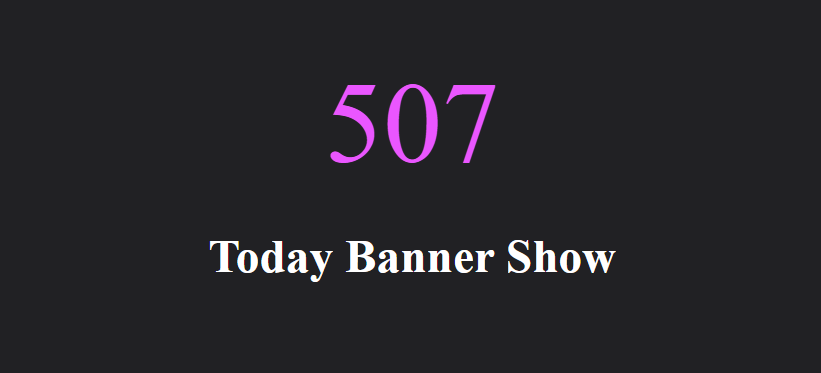
Yes. You can track today's banner views, clicks, impressions, AI impressions, standard impressions, and hourly banner views.
Can I view historical banner trends?+
Yes. Banner Manager provides 15-day and 15-month views for banner clicks, views, and impression trends.
Can I identify the most clicked banners?+
Yes. The dashboard includes reports such as top clicked banners and recent banner impressions.
Can Banner Manager improve conversion rates?+
Yes. By showing more relevant banners to the right visitors, Banner Manager can help improve engagement, click-through rates, and conversions.
Can Banner Manager work with Email Segmentation Center?+
Yes. Email Segmentation Center can provide audience segments that support more precise banner targeting.
Can Banner Manager work with Gift Coupon Management?+
Yes. Gift Coupon Management campaigns can be promoted on your website using targeted banners through Banner Manager.
Can Banner Manager work with Search Data Analysis?+
Yes. Search Data Analysis can reveal what visitors are looking for, helping you create more relevant banner campaigns.
Is Banner Manager suitable for e-commerce websites?+
Yes. E-commerce teams can use Banner Manager to promote products, categories, discounts, seasonal campaigns, and personalized offers.
Can I request a demo for Banner Manager?+
Yes. You can request a demo to see how AI personalization, targeting, templates, A/B testing, and reporting work together.
Works best alongside these services
Pair this service with these tools for a complete, end-to-end stack.

Email Segmentation Center
Manage all your customer data from a single platform. Create hundreds of automated segments with smart AI algorithms.
Explore →
Gift Coupon Management
Manage your store's discount coupons from a single platform. Create coupons, use them easily, and generate reports!
Explore →
Search Data Analysis
Understand what your customers are searching for and boost sales! Search Data Analysis analyzes search data on your e-commerce site and enhances user experience with smart suggestions.
Explore →Latest Articles On This Topic
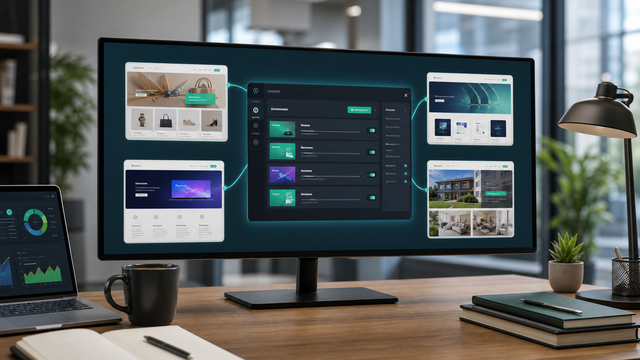
Which Businesses Should Use Banner Manager?
Find out when Banner Manager is useful for e-commerce, SaaS, service businesses, publishers, and marketing teams that need personalized website banners.
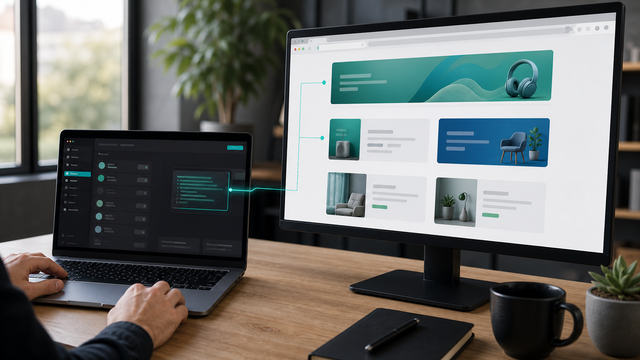
How One-Line Code Integration Simplifies Banner Deployment
Learn how one-line code integration helps teams deploy and update website banners without plugin complexity or developer bottlenecks.
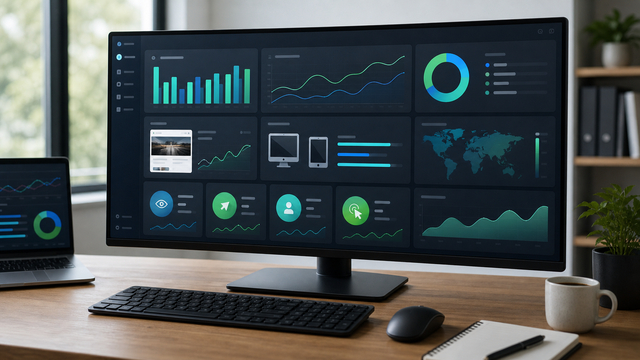
Which Banner Metrics Should Marketing Teams Track?
Track impressions, clicks, AI vs standard performance, device breakdown, and historical trends to improve banner campaigns.
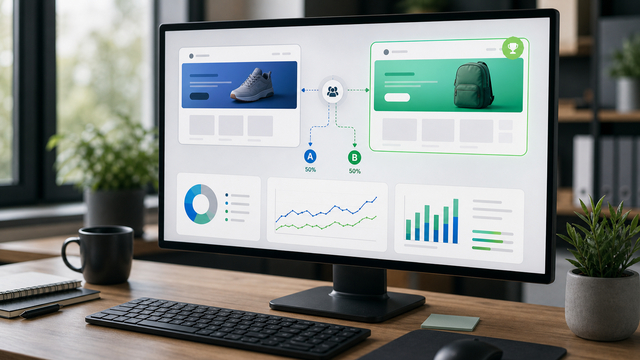
Why A/B Testing Is Essential for Website Banner Performance
Discover why A/B testing banner variations helps marketers compare creative, message, format, and performance with data.
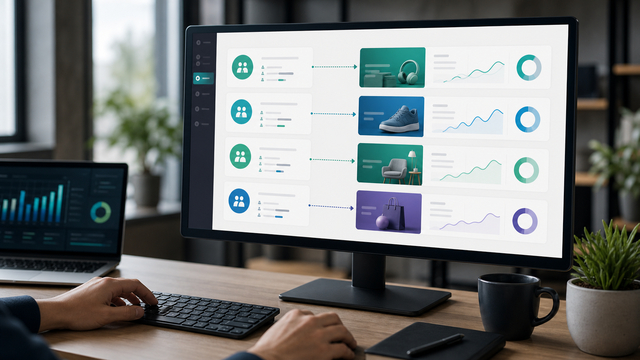
How Visitor Segmentation Makes Website Banners More Relevant
Learn how demographic and behavioral targeting can make website banners more relevant for different visitor segments.
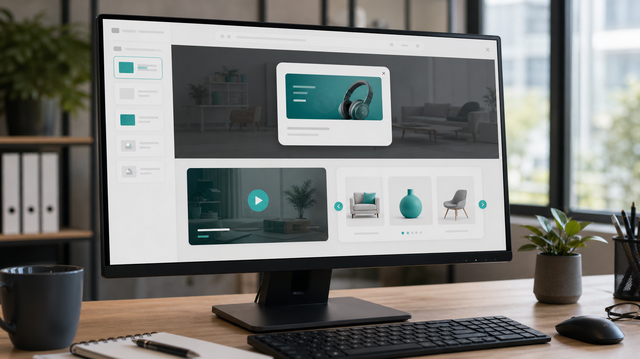
Pop-Up, Video Banner, and Product Showcase Templates: When Should You Use Each?
Compare pop-ups, video banners, and product showcase templates to decide which banner format fits each visitor journey stage.
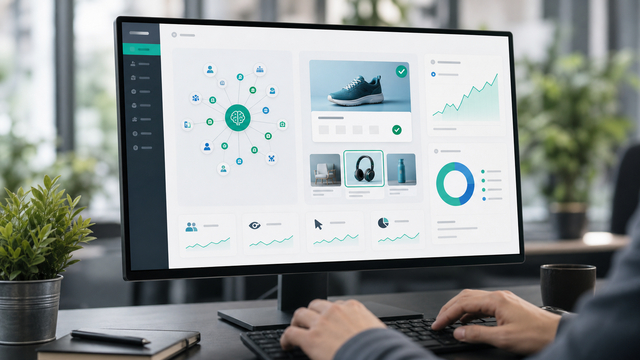
How AI Interest Analysis Can Increase Banner Click Rates
Understand how real-time visitor interest analysis helps websites serve more relevant banners and improve click-through performance.
How to Manage All Website Banners From One Platform
See how centralized banner management helps marketing teams control pop-ups, video banners, product showcases, and campaign visuals without developer bottlenecks.

What Is AI Banner Personalization and Why Does It Matter?
Learn how AI banner personalization helps websites show more relevant banners, improve engagement, and increase click-through rates.